 Routify
 en
en Русский
Automatic translation
Translate the posts of a source into your language with Google or with AI, keeping the formatting.
Translation is set per source: open the source settings and choose Auto-translate posts. The chat itself has no translation section — different sources usually need different languages.
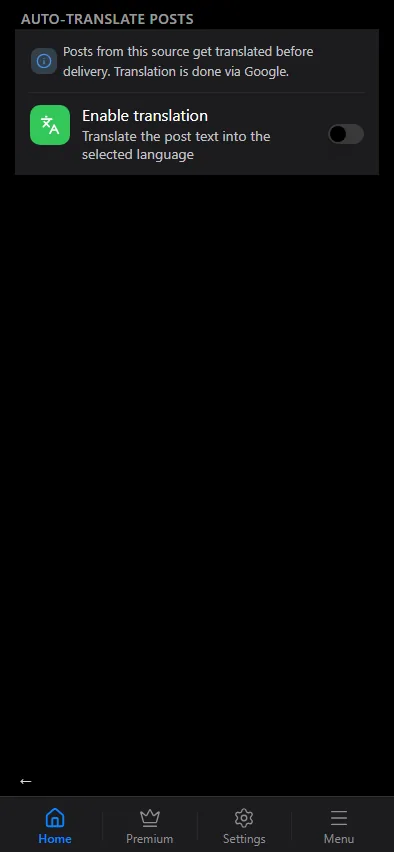
Google translation
- Switch on Enable translation.
- Pick the target language in Translate to. The source language is detected automatically.
Every new post of the source is translated before delivery; formatting, links and emoji are preserved. Media captions are translated the same way as text posts.
AI translation
Google translates literally. For a more natural text, or to translate and rewrite in one step, use a translation prompt in AI processing instead: the library has a ready Translate prompt, and you can write your own ("translate to German, keep the brand names in English, shorten to two sentences"). AI translation is available from the Expert plan.
The two are independent. If you switch on Google translation and activate the Translate prompt for the same source, the post is translated twice — first by the model, then by Google. That is allowed on purpose (you may want the model for something else and Google for the language), but it is rarely what you mean: pick one.
Order in the pipeline
Translation runs after the keyword filters and before the AI prompts, so the active prompts work on the translated text — see the pipeline order. Text replacements run on the final text, after translation, so write your rules in the target language.
Checking the result
The history of the chat shows the translation step for every post — the language it was translated to and how long it took — next to the other pipeline steps. If a post arrived untranslated, the row tells whether the step ran at all.